The staff knowledge base that already knows your org chart.
Every Teams group becomes a department. Members draft, owners publish, admins oversee — and permanent links, QR labels and AI agents all respect the same permissions.
Free · Open source (GPL-3.0) · Built for Microsoft 365
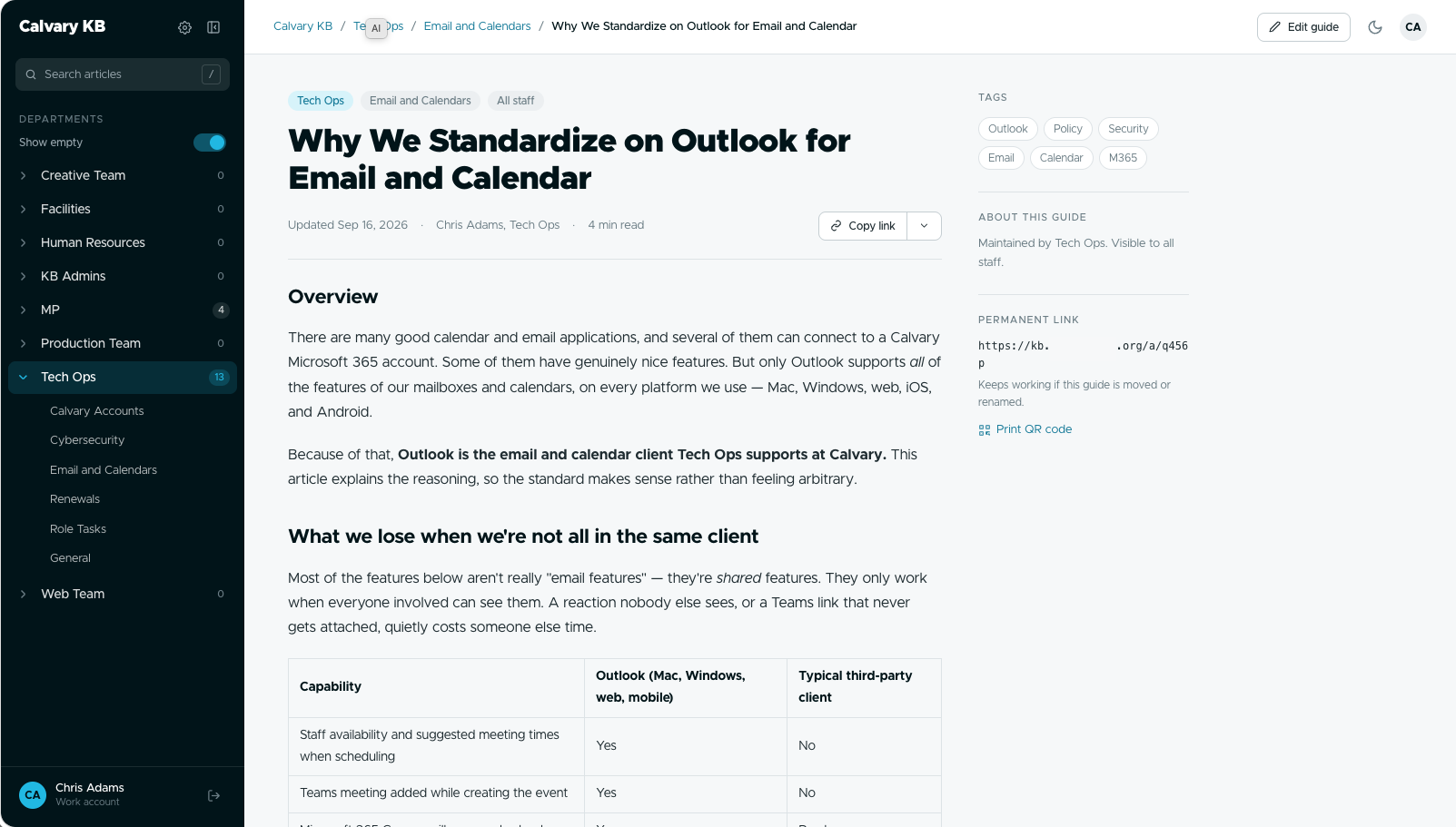
Built on the stack you already have.
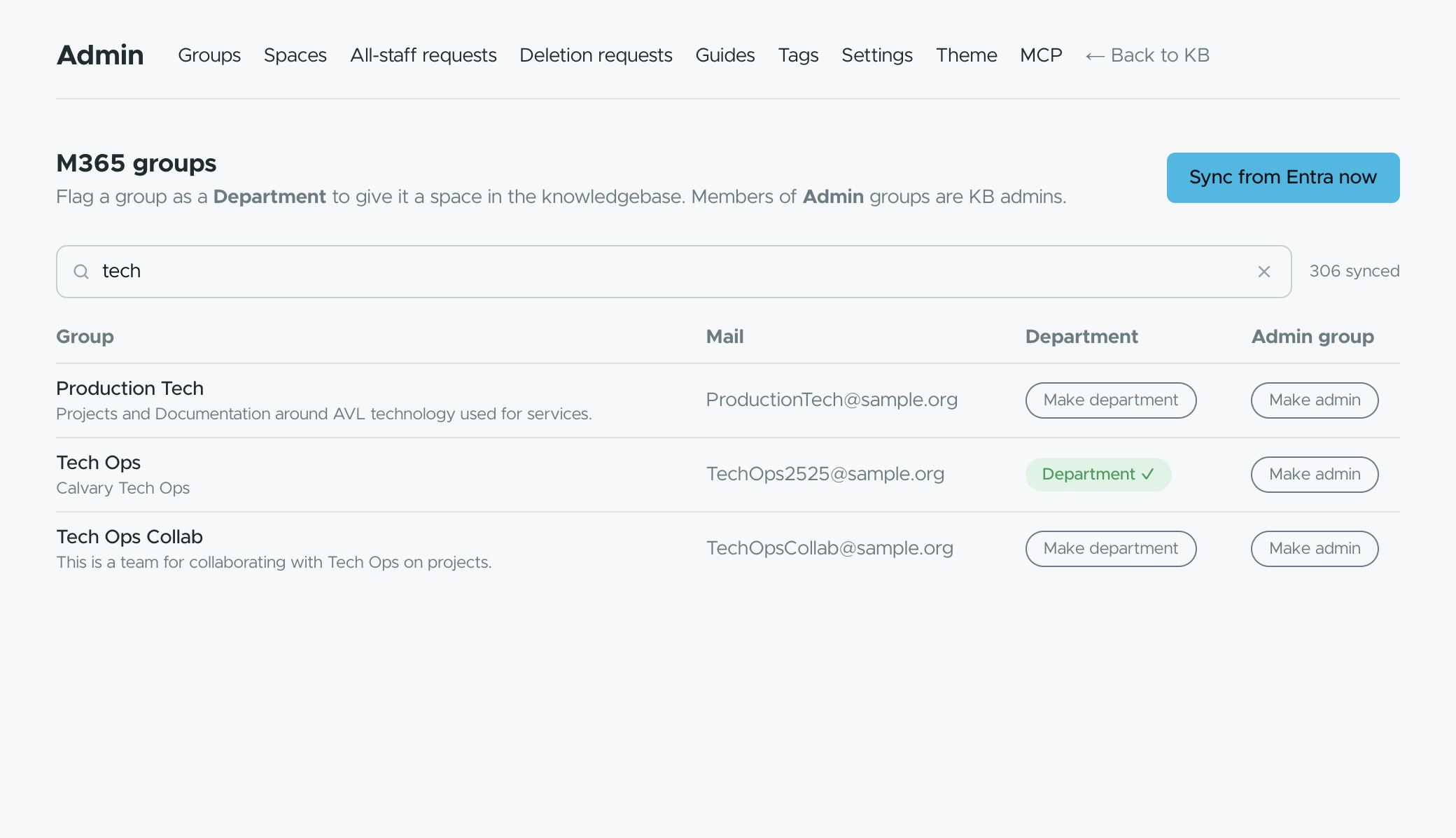
Your Teams are your departments
Zero user management. Flag a Team as a department and it gets its own space of guides. Membership syncs from Microsoft Graph nightly and refreshes on every login.
No allowlist in the app — Entra assignment is the audience.
Draft → review → publish, with roles you already have
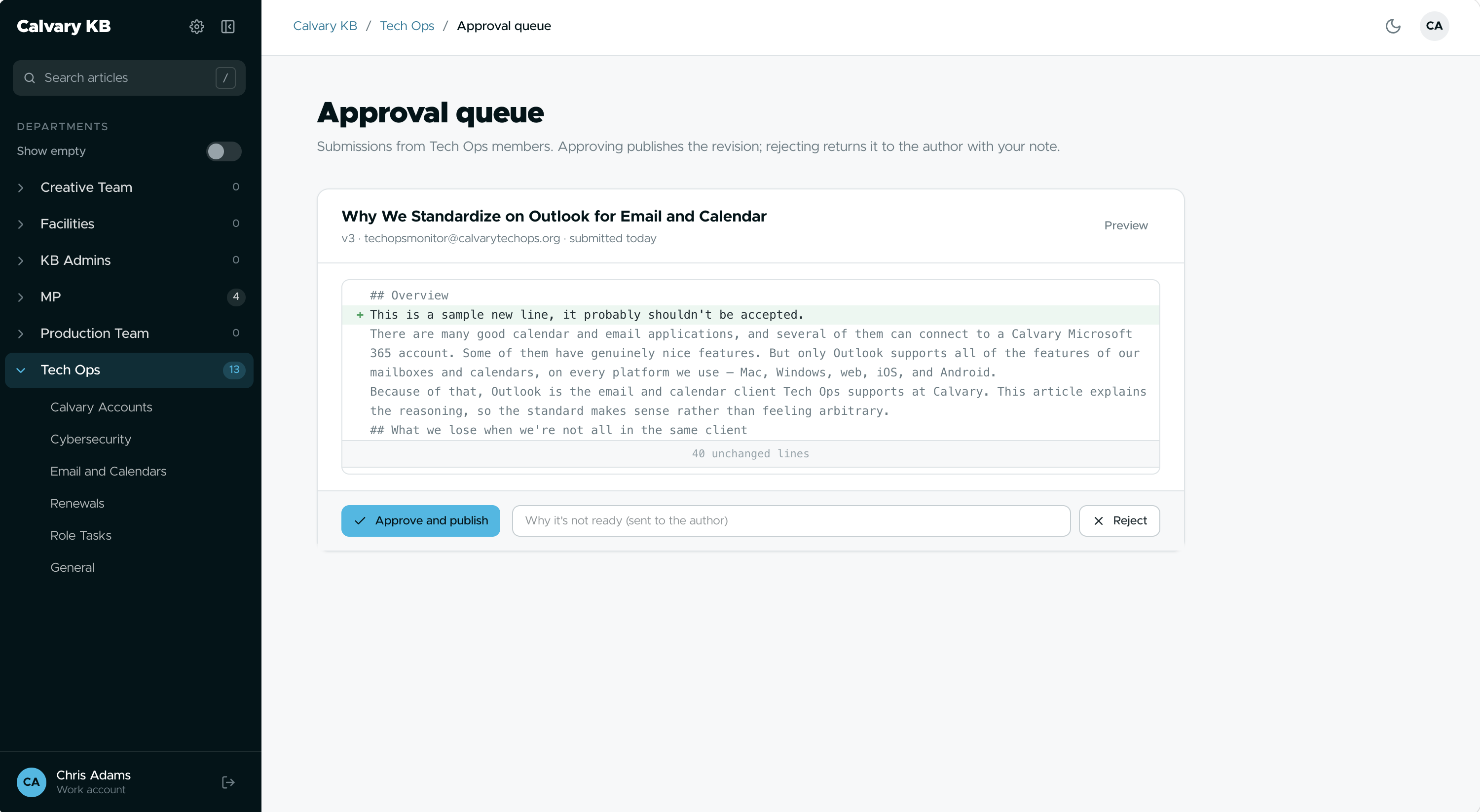
Members draft and suggest edits. Owners approve and publish. Admins approve all-staff publishing and deletions. Nobody gets a second password.
Every edit is a revision row; the review queue shows a line diff.
Links that never break
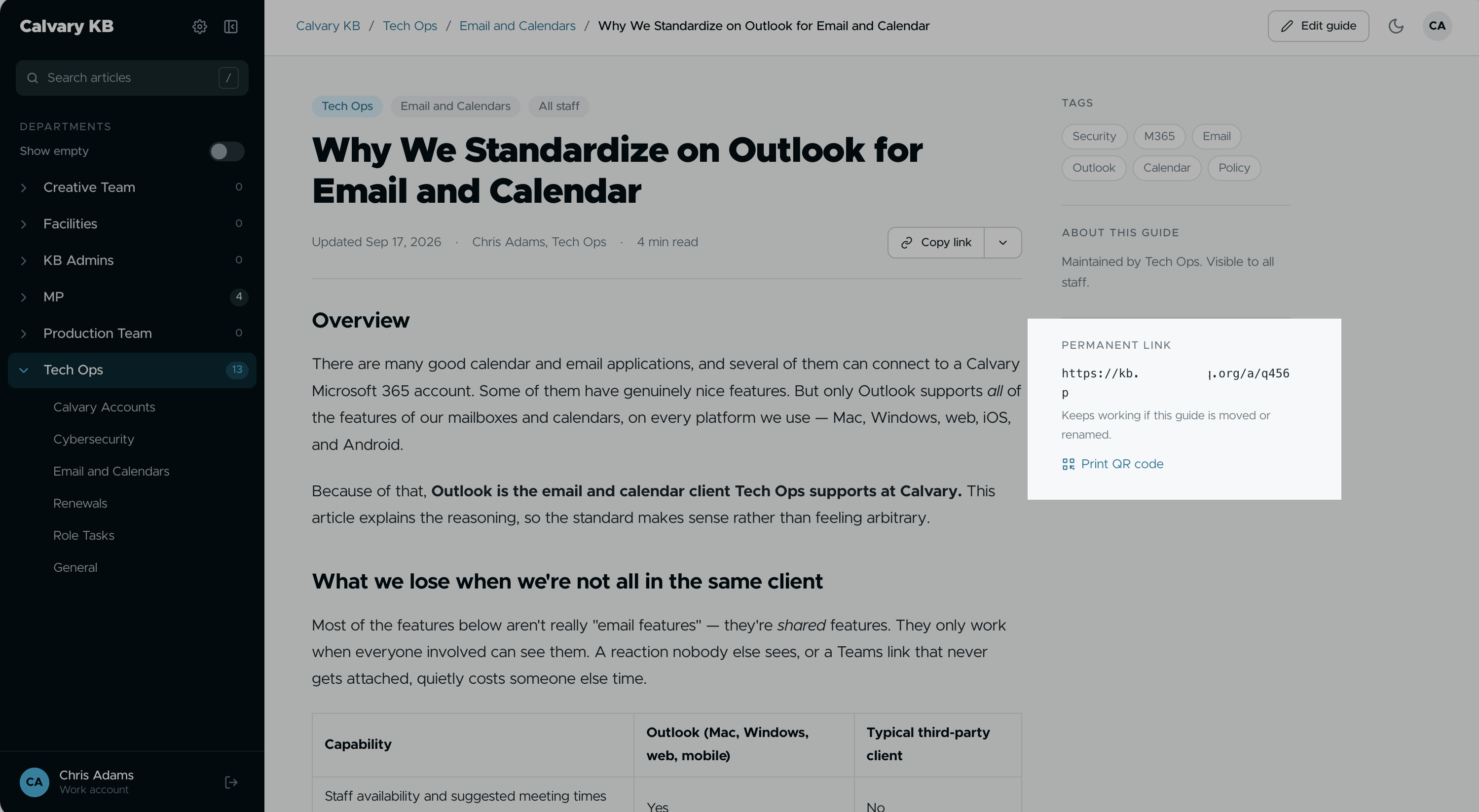
Every guide gets a five-character permanent short link that keeps working when the guide moves or is renamed. Same permission rules, temporary redirect to wherever it lives now.
Short ID assigned at creation, never changes: /a/xxxxx
Print it, tape it, scan it
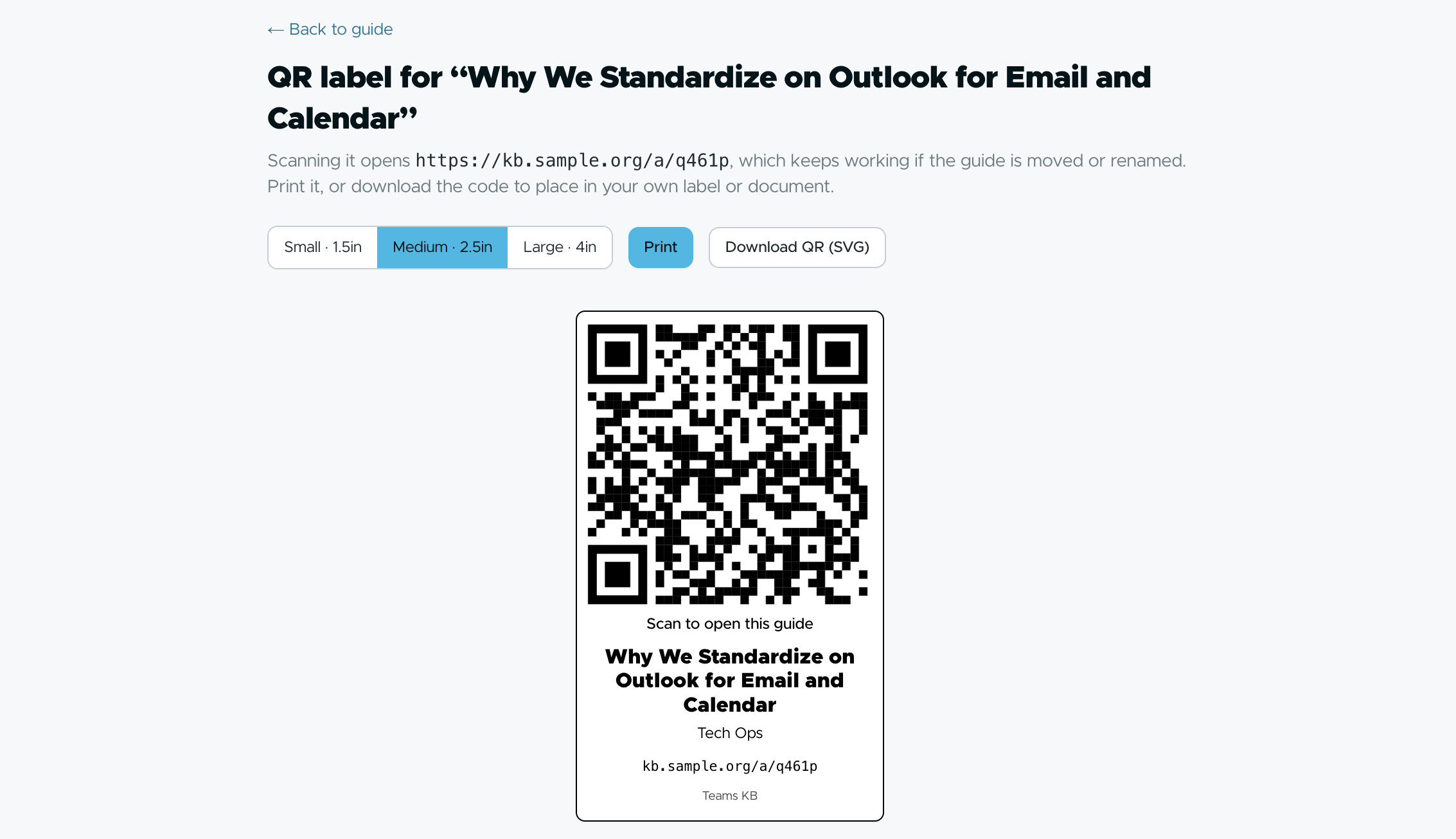
Print a QR label with the guide's title, department and fallback URL and stick it on the copier, the sound board, the thermostat. Guides also print cleanly and download as DOCX.
Server-rendered SVG label, error-correction Q.
Share exactly as far as you need
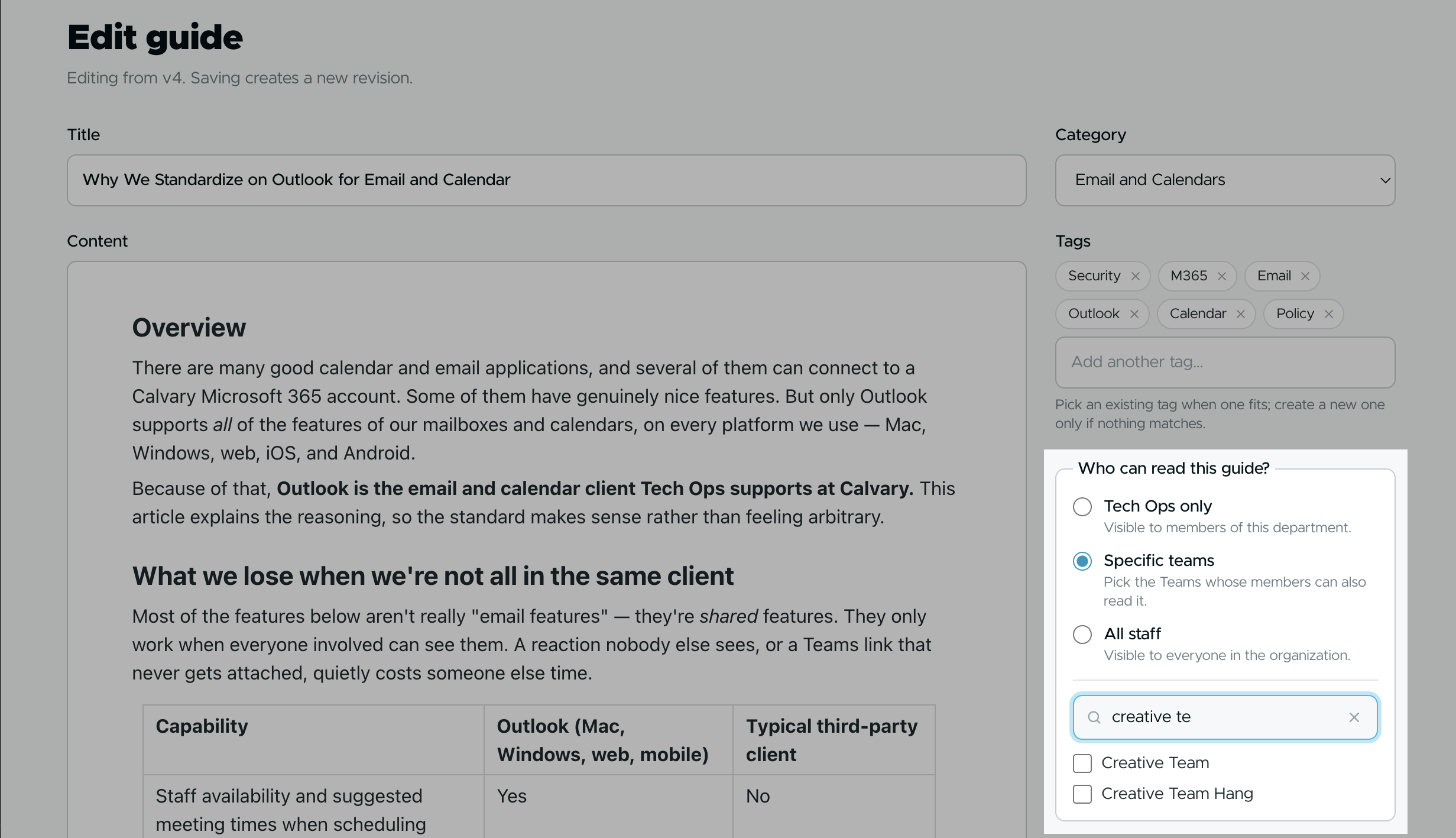
Publish to your department, share with specific groups, or request all-staff publishing. Permissions are resolved from group membership, every time.
A permalink you can't read still tells you which department owns it, so you know whom to ask.
Bring your own AI
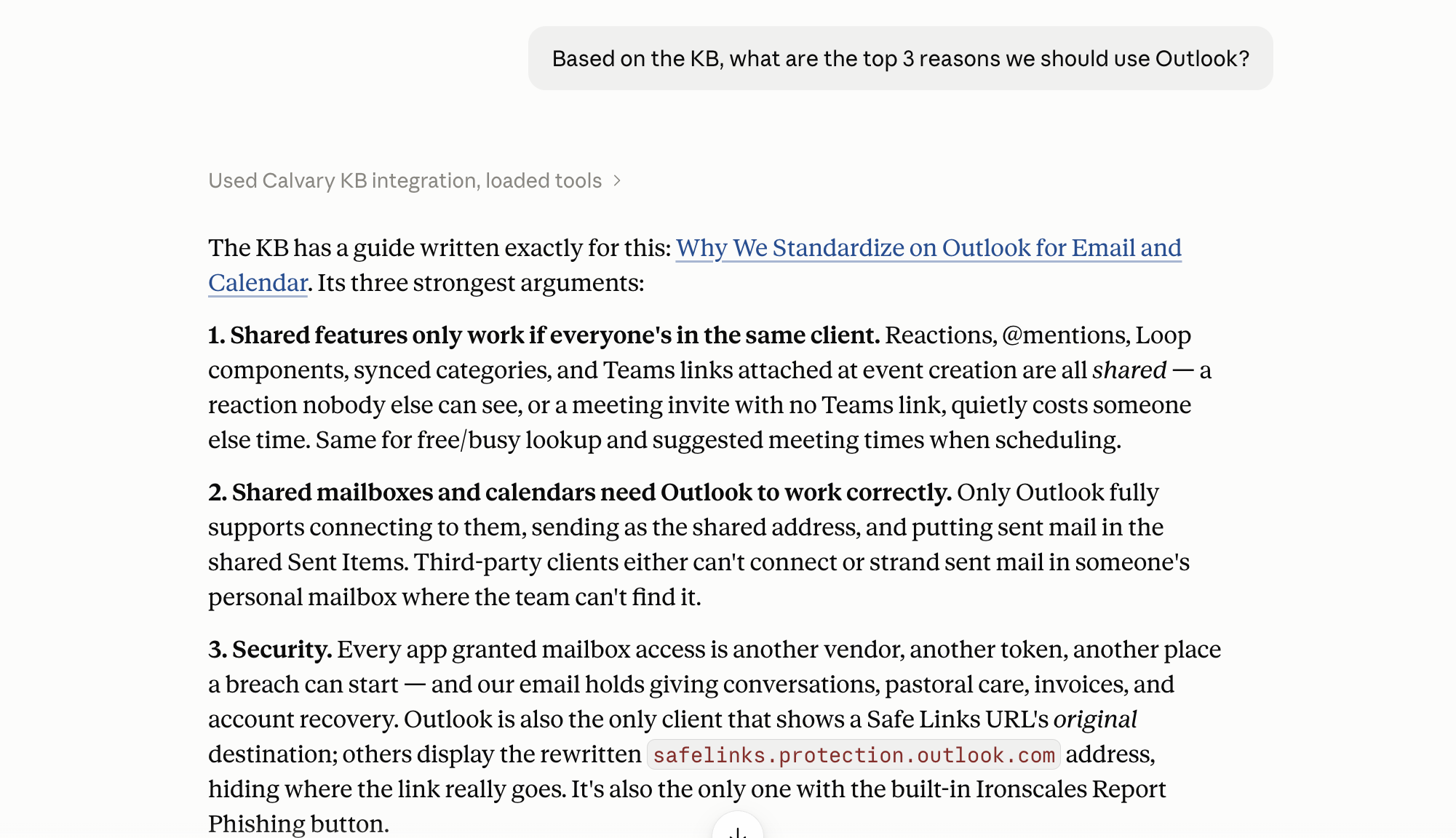
The knowledge base is an MCP server. Connect Claude, Cursor or any remote-MCP client with a work-account sign-in; the agent sees only what that signed-in person can see.
Five tools. Read-only by default. Optional draft creation that never publishes. Admin kill switch.
Make it yours without a redeploy
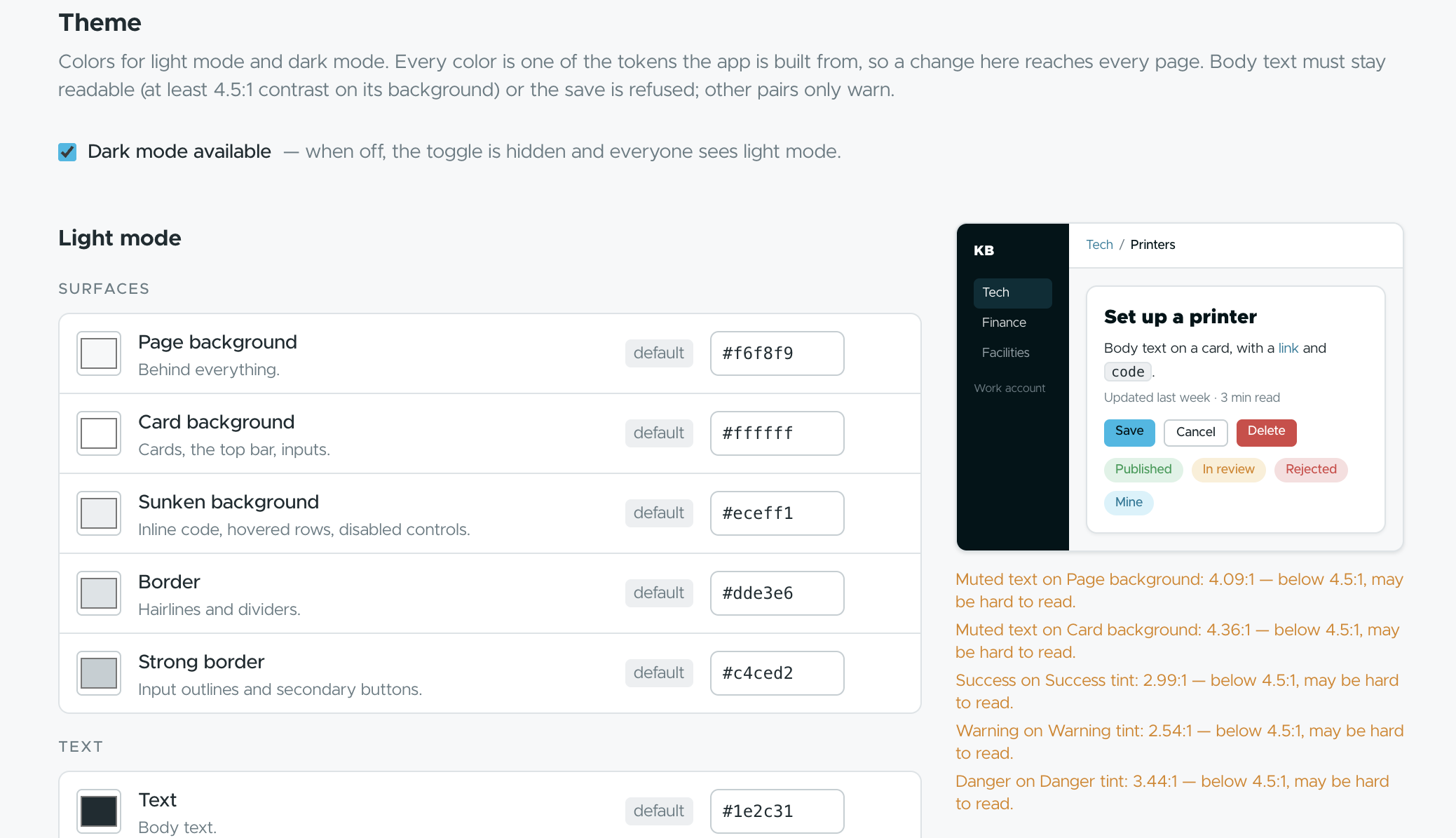
25 semantic color tokens for light and dark mode, your logo, your sign-in copy — all editable by admins in the browser. Contrast is enforced at 4.5:1 so it stays readable.
Admin → Theme · Admin → Settings · dark mode toggle.
The rest of what's in the box
A real editor
Rich blocks, images, audio and video, Mermaid diagrams. Pasted external images are flagged with a one-click copy so guides don't rot.
Search, tags and categories
Full-text search across everything you're allowed to read. Admins manage tags.
Sign in with your work account, nothing else
Microsoft Entra ID via SAML. No passwords to reset, no invitations to send.
Preview deployments with their own database
Every pull request gets a working preview on its own Neon branch. Migrations run on build.
Free and open source
GPL-3.0. No seats, no tiers, no telemetry to a vendor.
Most teams are live in an afternoon.
Create a Vercel project and add Neon
Postgres via the Vercel integration.
Set up Entra SAML and Graph
One enterprise app for sign-in, one registration for sync.
Deploy
Migrations run on build.
Sign in as bootstrap admin, run sync
Your groups appear.
Flag your departments
Each flagged Team gets a space.
Teams KB deliberately targets one stack so every piece is tested together. Other hosts, databases and identity providers aren't supported yet.

Given away free. Kept running by people like you.
Teams KB is built and maintained by the Tech Ops team at Calvary Albuquerque and given away free under GPL-3.0. If it saves your team time, consider a tax-deductible gift — it keeps the project maintained and the lights on.
Questions people ask before deploying
Is it really free?
Yes. GPL-3.0, no seats, no tiers. Donations are optional and go to Calvary Tech Ops.
What do I need to run it?
A Microsoft 365 tenant with Entra ID, a Vercel account, and Neon Postgres via the Vercel integration.
Can I use Google Workspace, Okta or another host?
Not yet. The project deliberately targets one stack so every piece is tested together.
Who can see a guide?
Whoever the group-based visibility says can — same rules in the browser, on permalinks, and for AI agents.
Can AI agents edit guides?
Only if an admin turns on draft creation, and even then they can only create unpublished drafts that go through normal review.
How do I get help or contribute?
Open an issue or pull request on GitHub; the plans/ folder is where larger changes start.